 ZentrateEspañol
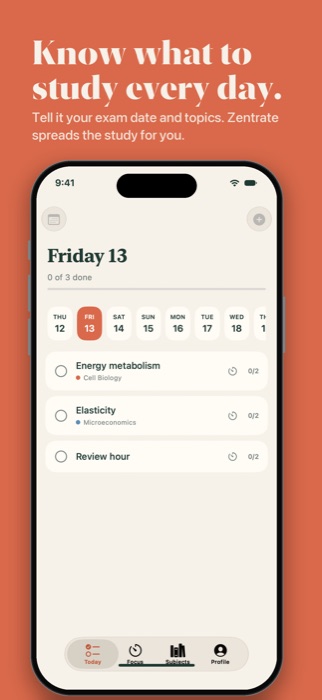
Know what to study every day.
Tell it when your exams are and which topics are included. Zentrate spreads your study over the days left, keeps you focused with pomodoro and quizzes you on your notes.
 See how it works
For iPhone and iPad · No accounts, ads or tracking
Monday 2
0 of 3 done
It plans for you
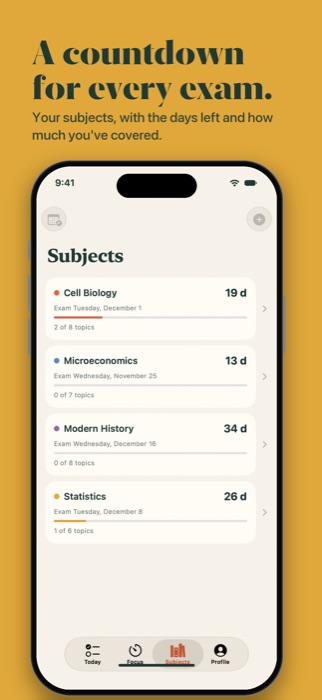
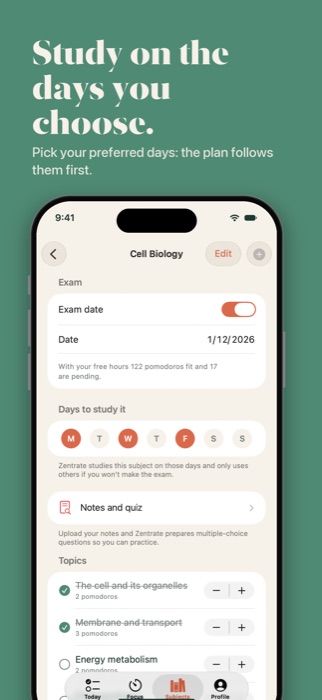
Add subjects with their exam date and syllabus. Pin a topic to a day and the rest of the plan rearranges itself.
Study with focus
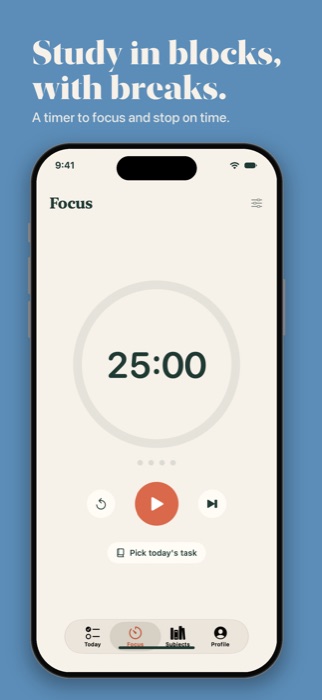
Blocks with breaks and a final review hour every day. Optionally block the apps that distract you while the pomodoro runs.
Notes and quiz
Upload your notes and review with multiple-choice questions written by Apple Intelligence on your own iPhone.
Review on time
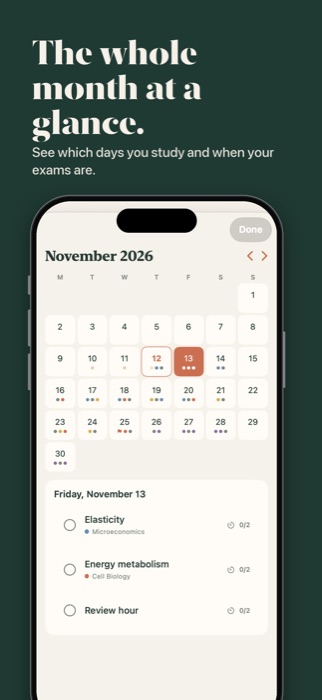
Spaced reviews and alerts when a topic doesn't fit before the exam, so you can act in time.
A look inside
Your data is yours.
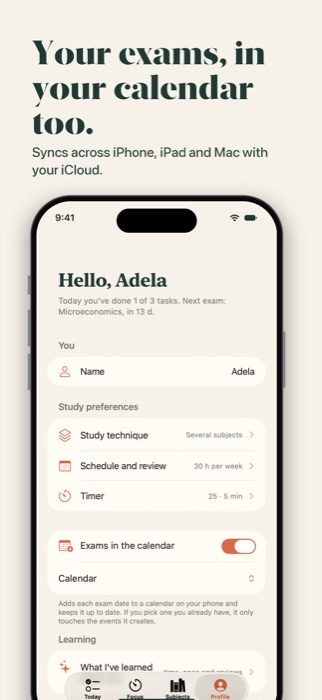
No accounts, ads or tracking. Your notes never leave the phone and everything syncs across your iPhone, iPad and Mac with your iCloud.
Support and FAQ
Have a problem, a question or an idea? Write to aelguer@icloud.com and I'll reply within a few days.
How does my data sync between devices?
Through iCloud, with the same Apple ID. Check the status in Profile → iCloud. If you don't see your data on another device, make sure iCloud is on and it's connected.
Why do my topics move to other days?
The app rearranges pending topics based on your exam date, your study hours and the days you prefer for each subject. Topics you pin by hand don't move.
Can I see my exams in my phone's calendar?
Yes: in Profile, turn on "Exams in the calendar". You can use a calendar of its own or pick one you already have; the app only touches the events it creates.